
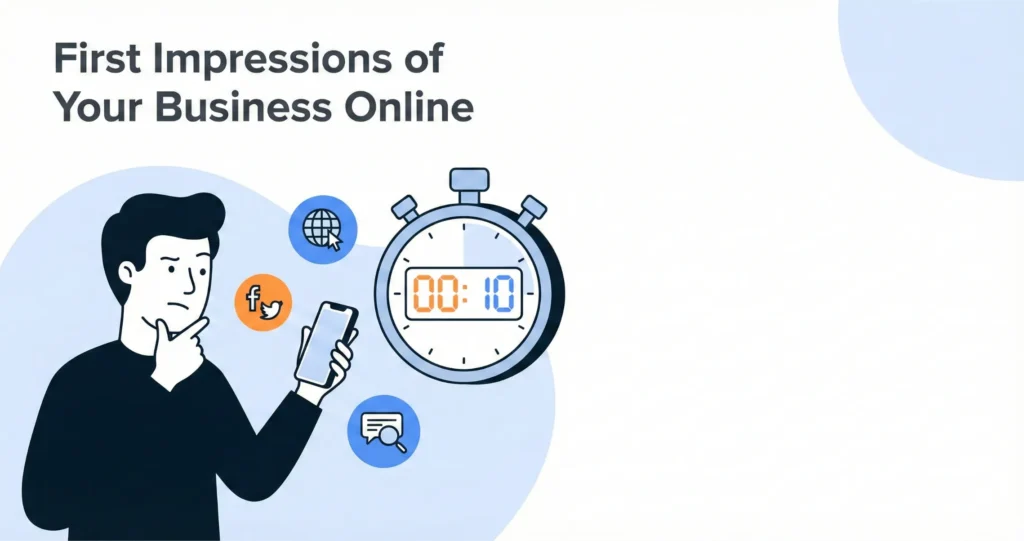
Imagine this. A stranger just typed your business name into Google. They clicked on your website. In ten seconds, they already decided if they trust you.
That’s not much time, right?
Here’s the problem. Most small business owners are so busy running their business that they forget to check what strangers actually see. Your first impression online business makes could be turning people away without you knowing.
The good news? You can fix this. And it doesn’t take a fancy designer or a big budget.
In this post, you’ll learn:
- Why first impressions happen so fast online
- The exact places strangers look first
- Common mistakes that kill trust
- A simple 10-minute audit you can do today
- Quick wins to make your business look more credible
Let’s dive in.
Why Your First Impression Online Matters More Than Ever
Think about meeting someone new. You notice their smile, their clothes, how they shake your hand. In seconds, you form an opinion.
The internet works the same way. Except online, people judge even faster.
The Science Behind Snap Judgments
Research shows people form opinions about websites in just 50 milliseconds. That’s faster than a blink.
This happens because our brains take shortcuts. We look for quick signals that say “this is safe” or “this looks sketchy.” If something feels off, we leave. We don’t give it a second chance.
What’s Changed for Small Businesses Recently
A few years ago, your website was your main “front door.” Now, things are different.
Most people browse on their phones. Over 60% of first visits happen on mobile devices. If your site looks weird on a phone, you’ve already lost.
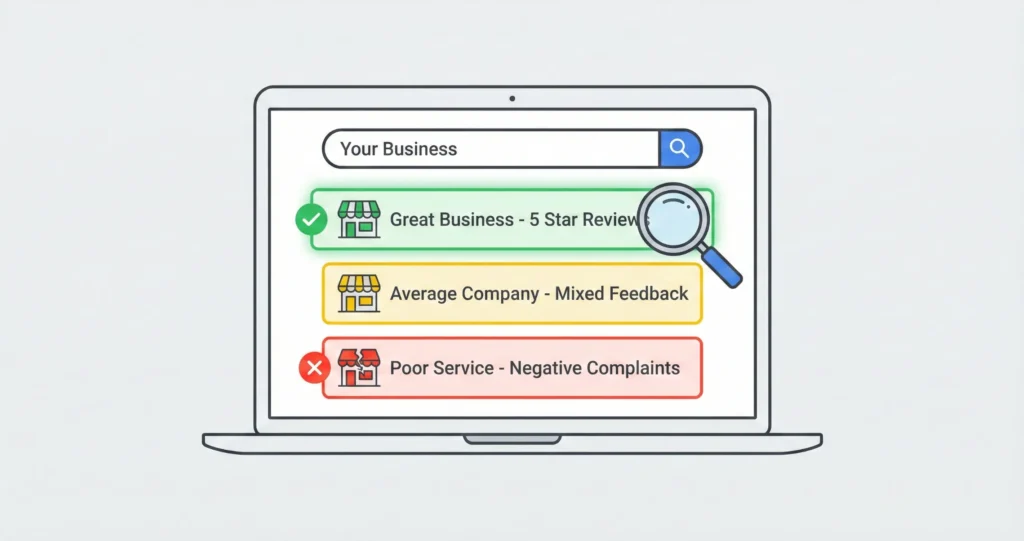
Also, your Google Business Profile often shows up before your website. That little box with your photos, reviews, and hours? Strangers see it first.
And here’s another shift. Artificial intelligence tools now help businesses create polished content. This means average-looking websites stand out more—in a bad way.
The Real Cost of a Bad First Impression
When someone leaves your site in seconds, that’s called a “bounce.” High bounce rates mean lost customers.
But there’s a deeper cost. A poor small business online presence makes all your other marketing feel pointless. You pay for ads. People click. Then they leave because your site doesn’t look trustworthy.
One business coach shared her story. She lost a $10,000 contract because her website looked outdated. The client admitted it. “I wasn’t sure you were still in business.”
What Customers See on Your Website and Beyond
So where exactly do strangers form opinions? Let’s map it out.
Your Google Business Profile—The New Front Door
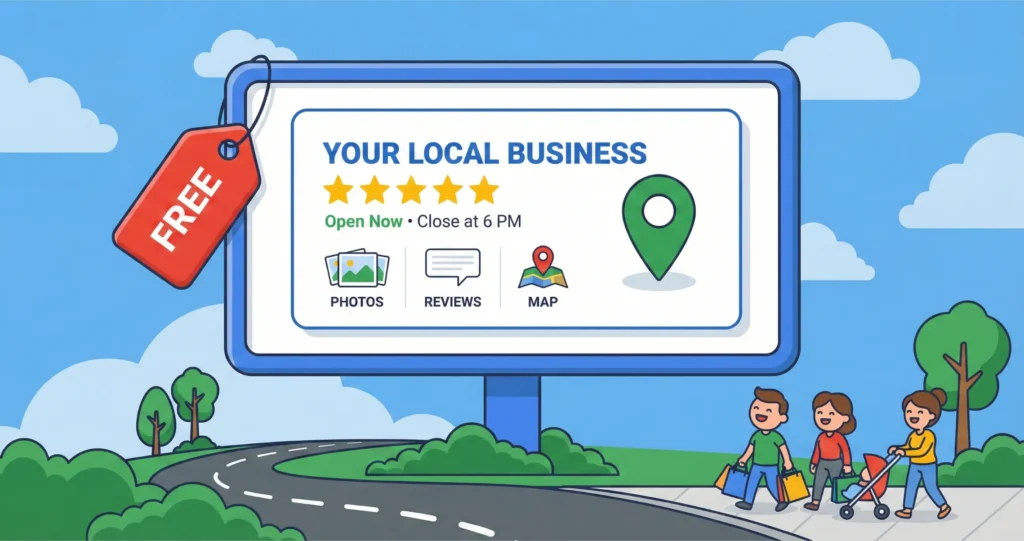
When someone searches your business name, Google shows a profile box. It includes your photos, reviews, hours, and a short description.
Many people look at this before clicking your website. Think of it as your digital curb appeal. If the photos are blurry or the reviews are old, people wonder if you’re still active.
Ask yourself:
- Are the photos recent and clear?
- Do you have reviews from this year?
- Have you replied to those reviews?
Your Website Homepage—The 5-Second Scan
When someone lands on your homepage, they scan it fast. They’re looking for three things:
- A clear headline – What do you do? Who do you help?
- Professional visuals – Does this look trustworthy?
- An obvious next step – What should I click?
Here’s a simple test. Squint your eyes so your screen looks blurry. Can you still tell what the business does? If not, your message isn’t clear enough.
Common mistakes include cluttered layouts, vague slogans like “Welcome to Our Company,” and slow loading times.
Social Media Profiles—Consistency or Confusion?
Strangers often check your Instagram, Facebook, or LinkedIn before buying. What they find matters.
If your website looks polished but your Facebook page hasn’t been updated in two years, that sends mixed signals. It’s like wearing a nice suit with dirty shoes.
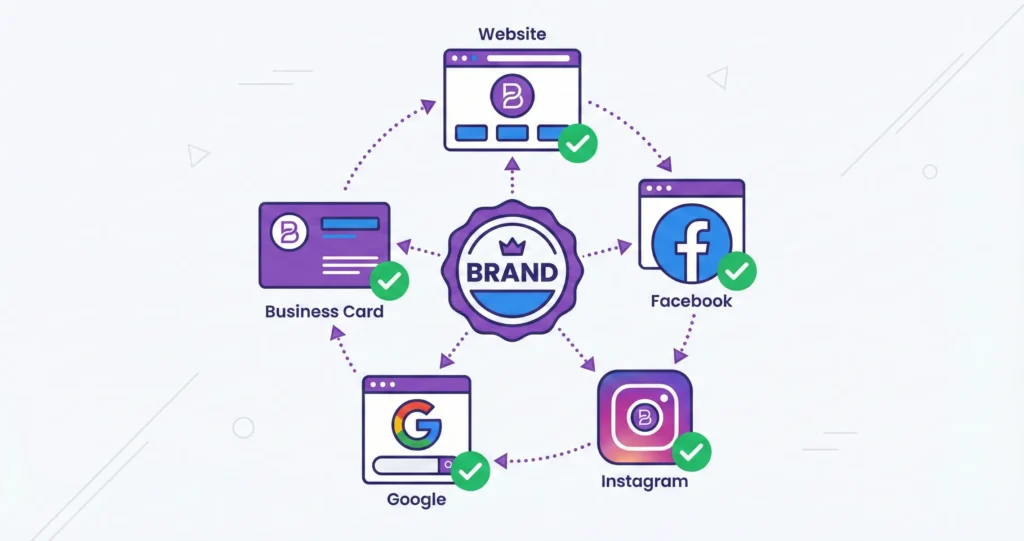
Brand perception small business owners build depends on consistency. Your colors, your photo, your message—they should match everywhere.
Quick social audit:
- Is your profile photo the same across platforms?
- Does your bio clearly say what you do?
- When was your last post?
The 5 Most Common Mistakes That Hurt Your Online Credibility
Let’s look at what usually goes wrong. See if any of these sound familiar.
Mistake #1: Outdated Visuals and Messy Branding
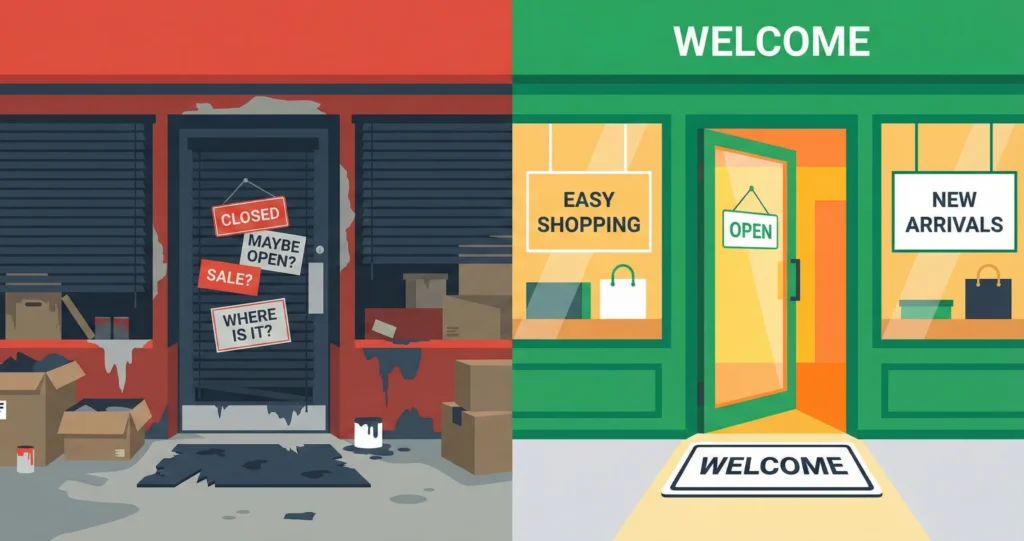
Old logos. Grainy photos. Colors that don’t match. These small things scream “we don’t pay attention.”
Visitors notice. Even if they can’t explain it, something feels off. That doubt is enough to make them leave.
Mistake #2: Unclear Message Above the Fold
“Above the fold” means what people see before scrolling. If your headline is vague, visitors get confused.
Bad example: “Welcome to Smith & Co.”
Better example: “Stress-Free Bookkeeping for Busy Freelancers.”
See the difference? The second one tells you exactly who they help and what they do.
Mistake #3: No Proof That You’re Trustworthy
Would you buy from a business with zero reviews? Probably not.
Strangers look for proof. Testimonials. Star ratings. Client logos. Certifications. These signals say, “Other people trust us. You can too.”
If your homepage has no social proof visible within five seconds, you’re asking people to take a leap of faith. Most won’t.
How to Improve Business Credibility Online—A 10-Minute Self-Audit
Now let’s fix things. This audit takes about ten minutes. You can do it right now.
Step 1: The “Stranger Test”
Open a private browser window. This hides your history so Google shows you what strangers see.
Now search your business name. Click on the first few results—your Google profile, your website, your social pages.
Ask yourself: “If I knew nothing about this business, would I trust them?”
Be honest. Pretend you’re a customer shopping around.
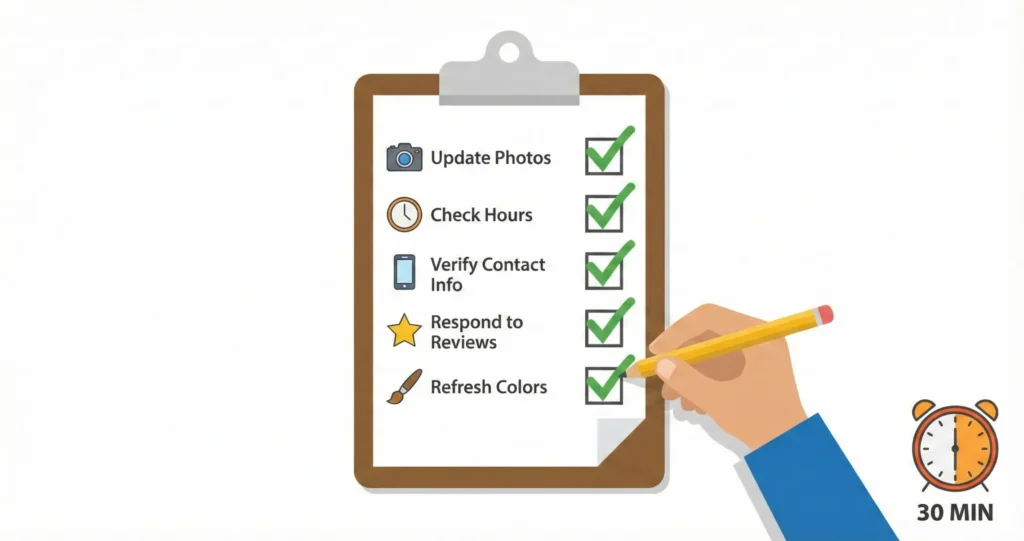
Step 2: The 10-Second Checklist
Use this quick checklist for each place you show up online:
Google Business Profile:
Website Homepage:
Social Media Profiles:
Step 3: Prioritize When Time Is Short
You’re busy. You can’t fix everything today. That’s okay.
Focus on what people see first and what’s easiest to change.
Priority order:
- Google Business Profile (people often see this before your website)
- Your homepage headline and main image
- Social media bios
One focused hour can make a noticeable difference.
Small Business Branding Tips—Quick Wins for Today
Let’s end with three things you can do right now. No designer needed. No big budget.
Quick Win #1: Refresh Your Google Business Profile in 15 Minutes
This is the fastest way to boost your first impression online business gives to local searchers.
Do this:
- Upload 3-5 new photos (your storefront, your team, your product)
- Rewrite your business description in plain language
- Reply to your last three reviews (even if they’re old)
One bakery owner did this on a Tuesday afternoon. By Friday, she had two new customers who mentioned finding her “on Google.”
Quick Win #2: Rewrite Your Homepage Headline
Use this simple formula:“[Result] for [Audience]—[Proof or Difference]”Examples:
- “Fast AC Repair for Phoenix Homeowners—Same-Day Service Guaranteed”
- “Simple Websites for Small Businesses—Over 200 Happy Clients”
- “Pain-Free Dentistry for Nervous Patients—Sedation Options Available”
Quick Win #3: Align Your Social Media Bios in 10 Minutes
Open your Instagram, Facebook, and LinkedIn. Make sure they all show:- The same profile photo
- The same one-sentence description of what you do
- A link to your website
Conclusion: Your Next 24 Hours
Here’s what we covered. Strangers judge your business in ten seconds. They look at your Google profile, your website, and your social pages. Small issues—blurry photos, vague headlines, missing reviews—add up fast. But you can fix this. You don’t need to hire anyone. You just need the “Stranger Test” and a bit of focused time.Your three action steps:
- Run the Stranger Test. Open a private browser and search your business name. See what they see.
- Fix your Google Business Profile first. Upload new photos. Reply to reviews. Update your description.
- Clarify your homepage headline. Make it obvious what you do and who you help.
Try this today: Run the Stranger Test and write down three things you’d fix. Then pick the easiest one and do it before the day ends. Small steps lead to big trust.
Frequently Asked Questions
Quick answers about your business's online first impression
Research shows that people form a first impression of your business in just 10 seconds or less. This includes:
- Your Google search result appearance (3-5 seconds)
- Your website homepage load and visual scan (5-7 seconds)
- Your social media profile overview (3-5 seconds)
That's why it's crucial to make every second count with clear branding, professional photos, and easy-to-find contact information.
When someone Googles your business name, they typically see:
- Google Business Profile (right side panel with photos, reviews, hours, and contact info)
- Your website (if you have one) in the main search results
- Social media profiles (Facebook, Instagram, LinkedIn pages)
- Review sites (Yelp, TripAdvisor, industry-specific review platforms)
- News or mentions (articles, press releases, or directory listings)
Try searching your own business name in an incognito/private browser window to see exactly what strangers see.
Here are 5 quick wins you can do today (in under 30 minutes each):
- Claim your Google Business Profile – It's free and shows up prominently in search
- Update your business hours – Outdated hours frustrate customers
- Add 5-10 quality photos – Real photos of your business, products, or team
- Respond to reviews – Thank positive reviewers, address negative ones professionally
- Make contact info consistent – Same phone, address, and email everywhere
These simple actions can dramatically improve what strangers see when they find you online.
Common reasons your business might not appear in Google search:
- No Google Business Profile – You haven't claimed or created one yet
- Profile not verified – Google requires verification (usually by postcard or phone)
- Incomplete information – Missing address, hours, or category
- New business – It can take 2-4 weeks for new profiles to appear
- No website – Having a website increases your search visibility
- Inconsistent NAP – Your Name, Address, Phone differs across platforms
Start by visiting business.google.com to claim or create your free profile.
Yes, a website is still important, even with active social media. Here's why:
- You own it – Social platforms can change rules, but your website is yours
- Credibility – 84% of consumers believe a business with a website is more credible
- Better search ranking – Websites rank higher in Google than social profiles
- Complete information – Show services, pricing, portfolio in one organized place
- Professional email – You can have yourname@yourbusiness.com
Think of your website as your digital headquarters, and social media as your outreach branches. Both work best together.